
Do This Now
- 1 Start with one oscillator and sweep the wavetable position by hand.
- 2 Use a low-pass filter with light drive to make raw waves musical.
- 3 Assign an envelope to filter cutoff to turn a static patch into a live one.
- 4 Drag one or two modulation routes, not a dozen fighting each other.
- 5 Reverse-engineer presets you like. It teaches faster than starting blank.
Watch the technique in action, then read on for the details.
Serum can look intimidating the first time you open it. Two oscillators, a filter, a wall of modulation, and a spectrum display that means nothing until someone explains it. You only need to understand four sections to start building your own sounds.
Step 1: Start With Wavetables
The two oscillators at the top load wavetables, which are collections of waveforms you can scan through.
Drag the position slider and watch the waveform morph. That morphing is the core of Serum's character. A basic analog wave gives you a warm, simple tone. A complex digital wavetable gives you movement and edge.
Start with one oscillator only. Play a note and sweep the position by hand to hear how the timbre changes. This single control gives you more sound design power than any amount of preset browsing.
Step 2: Shape the Tone With the Filter
Below the oscillators sits the filter, the most important tool for making a raw wave musical.
A low-pass filter removes high frequencies, which warms and darkens the sound. Turn up resonance and you get that vocal, squelchy emphasis right at the cutoff point.
- Filter type
- Low-pass to start
- Resonance
- Adds vocal emphasis at cutoff
- Drive
- A touch for bass patches
- Exercise
- Sweep cutoff while a note holds
For basses, a low-pass with a little drive gets you most of the way to something usable. That cutoff sweep is the foundation of countless bass and lead sounds.
Step 3: Add Movement With Envelopes
An envelope decides how a parameter changes from the moment you press a key.
The four controls are attack, decay, sustain, and release. A slow attack gives you a pad that swells in. A fast attack gives you a punchy pluck or bass.
The real power is assigning envelopes elsewhere. Envelope one is wired to volume by default, but drag an envelope onto the filter cutoff and the tone now opens and closes on its own with every note. That single move turns a static sound into something alive.
Step 4: Bring It to Life With Modulation
The LFOs and envelopes on the lower half can be dragged onto almost any knob.
This drag-and-drop routing is what makes Serum fast to learn. Assign an LFO to wavetable position and the sound morphs continuously. Assign it to pitch for a subtle vibrato.
- Routing
- Drag source onto any knob
- Good targets
- Cutoff, wavetable position, pitch
- Amount
- Small is usually enough
- Limit
- One or two routes per patch
Small amounts of modulation add the motion that makes a patch feel professional. Do not overdo it.
Step 5: Learn by Reverse-Engineering
The quickest way to improve is to open a preset you like and take it apart.
Look at which wavetable it uses, how the filter is set, and where modulation is routed. Change one control at a time and listen. A strong preset bank is not just a shortcut to finished sounds, it is a teaching tool showing how experienced designers build patches.

Spend a week designing instead of only browsing and you will start hearing beats in terms of what you could build. That shift from consumer to designer is the whole point.
Frequently Asked Questions
What is a wavetable in Serum?
A wavetable is a collection of waveforms you can scan through with the position slider. Moving through it morphs the timbre, and that morphing is the core of Serum's character.
What is the fastest way to learn Serum?
Open a preset you like and take it apart. Look at the wavetable, filter setting, and modulation routing, then change one control at a time and listen. That teaches you more per hour than building from an empty patch.
Why do my Serum patches sound flat?
Usually no modulation. A static patch with no envelope or LFO assigned to anything will sound lifeless. Assign an envelope to the filter cutoff and the sound immediately opens and closes with every note.
How much modulation should I use?
One or two well-chosen routes beat a dozen fighting each other. Restraint is what separates a clean, usable sound from a chaotic mess that will not sit in a mix.
Related Articles

Best Massive Presets for Producers (2026)
We tested the top NI Massive preset banks for bass weight, modulation depth, and how cleanly the patches sit in trap, dubstep, and bass-heavy productions.
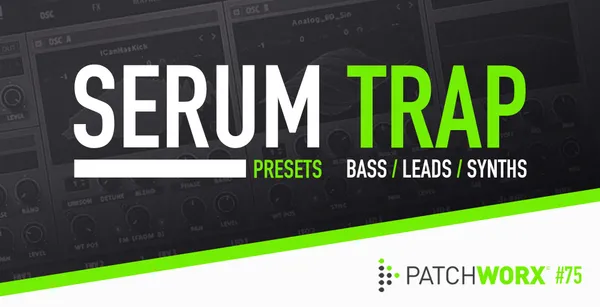
Best Serum Presets for Beat Makers & Producers (2026)
We tested the top Serum preset banks for sound design depth, modulation potential, and how cleanly they sit in modern hip-hop, trap, and electronic mixes.
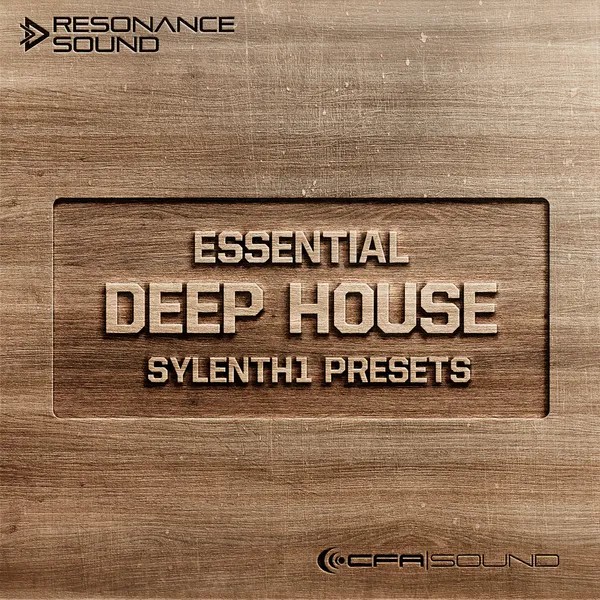
Best Sylenth1 Presets for Producers (2026)
We tested the top Sylenth1 preset banks for analog warmth, mix-readiness, and how well the leads, basses, and plucks sit in house, trance, and techno.

Kai Tanaka
Kai produces bass music, ambient, and experimental electronic tracks. He has released on independent labels across Europe and designs preset banks for synth developers. He approaches every plugin like a modular patch — always looking for new ways to reshape sound and build textures nobody has heard before.