
Do This Now
- 1 Pick one DAW and commit to it for six months. Switching is the most common way beginners stall.
- 2 Start on headphones you already own. Monitors can wait until you know what you are listening for.
- 3 Use stock and free plugins for your first ten beats. Spend money only when you can name what is missing.
- 4 Recreate a beat you love before trying to make something original.
- 5 Finish and export every beat, even bad ones. Finishing is a skill you only learn by doing it.
Most people who want to make beats spend their first month shopping. They compare DAWs, watch plugin reviews, and buy a sample pack they never open. The beats come later, if they come at all.
This guide is the opposite approach. It covers the minimum setup and a first week that ends with a finished beat, because finishing is the skill everything else depends on.
Step 1: Pick One DAW and Stay There
Your DAW is where every beat gets made, so it is the only decision that really matters on day one.
For beat making, FL Studio and Ableton Live are the two most common choices, Logic Pro is strong on a Mac, and GarageBand is a free way to learn the basics. All of them can make professional beats. Pick the one that matches the tutorials you actually watch, since learning is far easier when the screen in the video matches yours.
The friction is the urge to switch. Every DAW feels clumsy for the first few weeks, and beginners often blame the software and start again somewhere else. Commit for six months before you judge it.
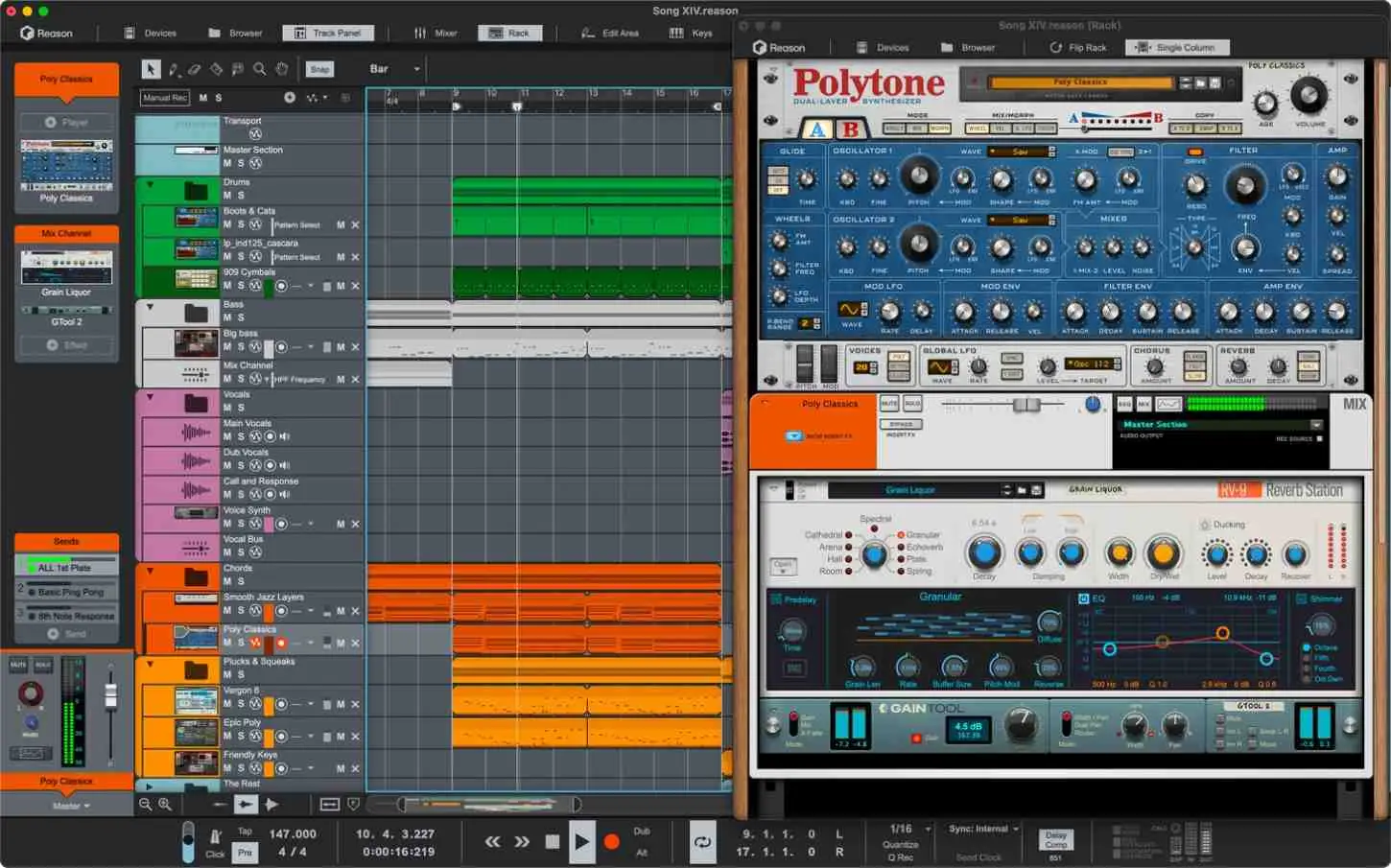
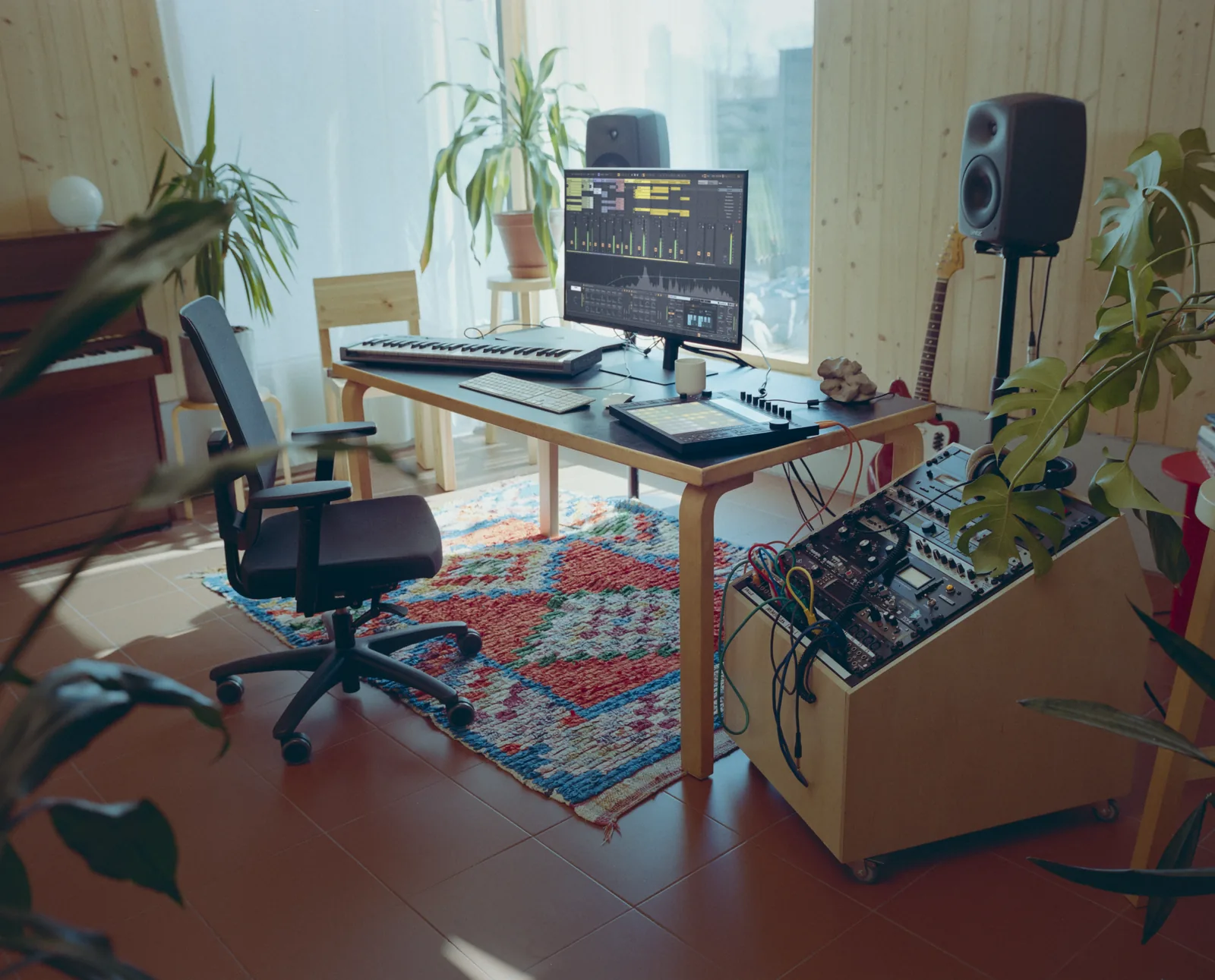
None of this is the first purchase. The first purchase is nothing, and the headphones in the drawer. Screenshot courtesy of Ableton AG.
Step 2: Use the Headphones You Already Own
You do not need studio monitors to start. Closed-back headphones you already own will do, as long as you also check your beats on a phone speaker and in a car.
Monitors in an untreated bedroom often mislead more than headphones do, because the room exaggerates some bass notes and swallows others. Save that money until you know what you are listening for.
- Listen on
- Headphones you own
- Check on
- Phone speaker, car, laptop
- Volume
- Low, about conversation level
- Buy later
- Monitors, MIDI keyboard
The annoyance is that headphones make stereo width and reverb sound bigger than they will on speakers, so a mix that feels wide can collapse elsewhere.
Step 3: Learn Your Stock and Free Plugins First
Every DAW ships with a usable drum sampler, synth, EQ, compressor, and reverb. Add a handful of well-made free plugins and you have enough to make finished beats for months.
The reason to wait before buying is that you cannot judge a tool until you know what the stock version lacks. Spend money only when you can name the specific problem a purchase solves.
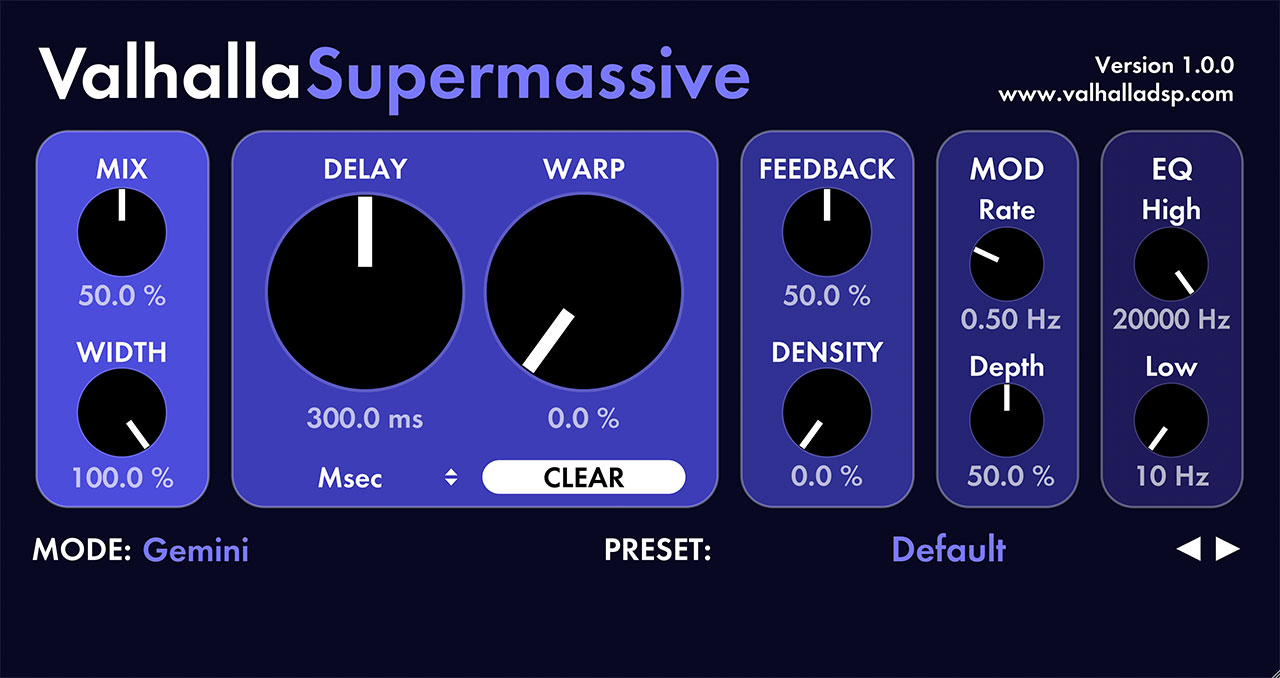
The friction is that free plugins vary wildly in quality and stability. Install a few at a time rather than a folder of fifty, or your plugin list becomes the thing you spend your time scrolling.
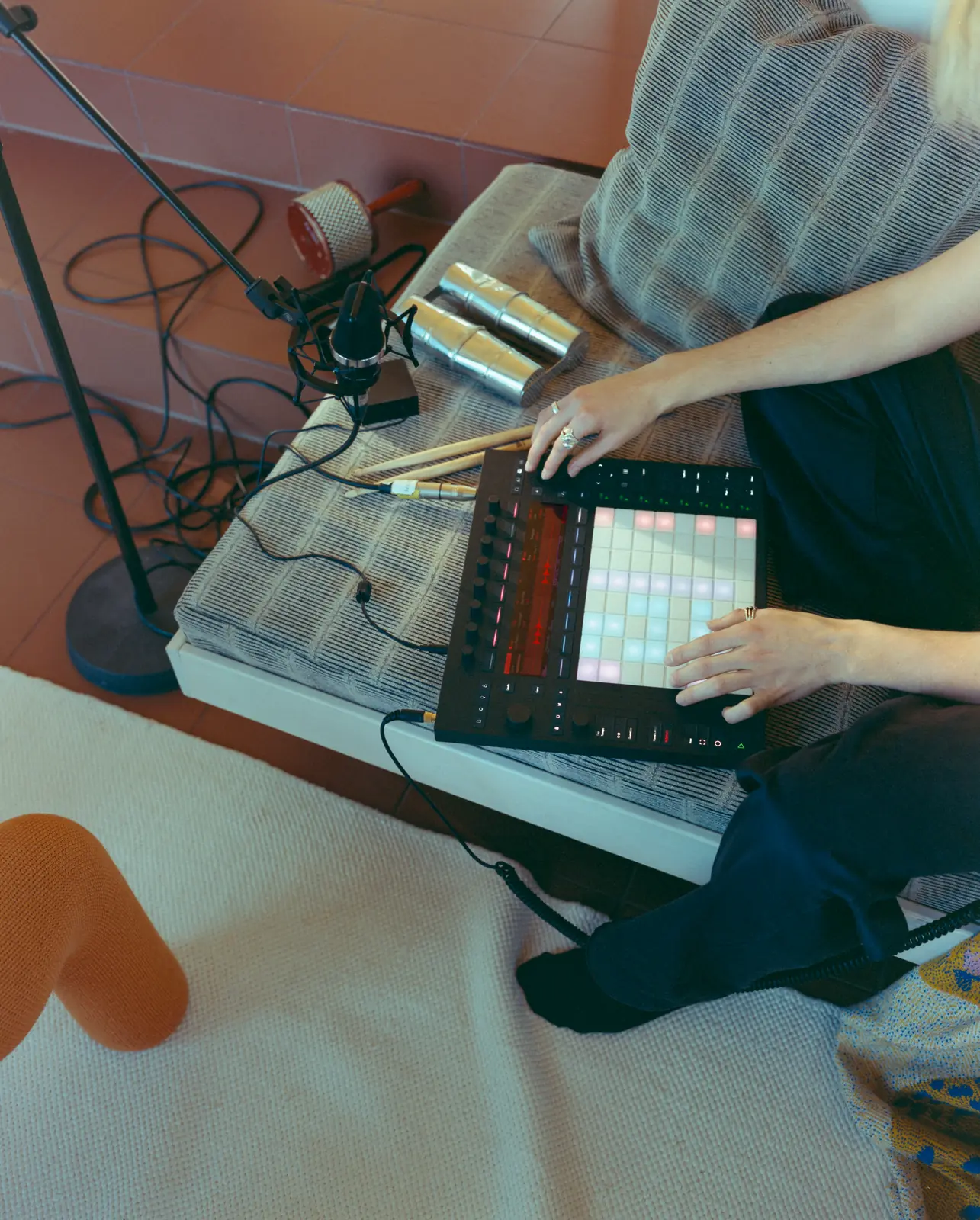
A pad grid is one way in, though the same pattern goes in just as well by clicking a step. Screenshot courtesy of Ableton AG.
Step 4: Build Your First Drum Pattern
Drums are the fastest way to get something that sounds like a beat. Pick a genre, set the tempo, and program a kick, a snare or clap, and hi-hats over one bar.
- Trap
- 130-150 BPM, half-time feel
- Boom bap
- 85-95 BPM
- Lo-fi
- 70-90 BPM
- House
- 120-128 BPM
Start with a small, good set of one-shots rather than a huge library. A tight kit of kicks, snares, and hats you know well beats ten gigabytes you have never auditioned.
The common mistake is programming every hit at full velocity, which sounds robotic. Vary the hi-hat velocities even slightly and the pattern starts to breathe.
Step 5: Recreate a Beat You Love
Before chasing originality, pick a beat you know well and rebuild it as closely as you can. Match the tempo, the drum pattern, the bass rhythm, and the arrangement.
This teaches more than any tutorial, because you discover exactly where your version falls short. Usually it is the drum sounds, the low end, or the arrangement, and now you know what to study next.
The friction is that your version will sound worse, and that is the point. The gap between your copy and the original is a map of what to learn.
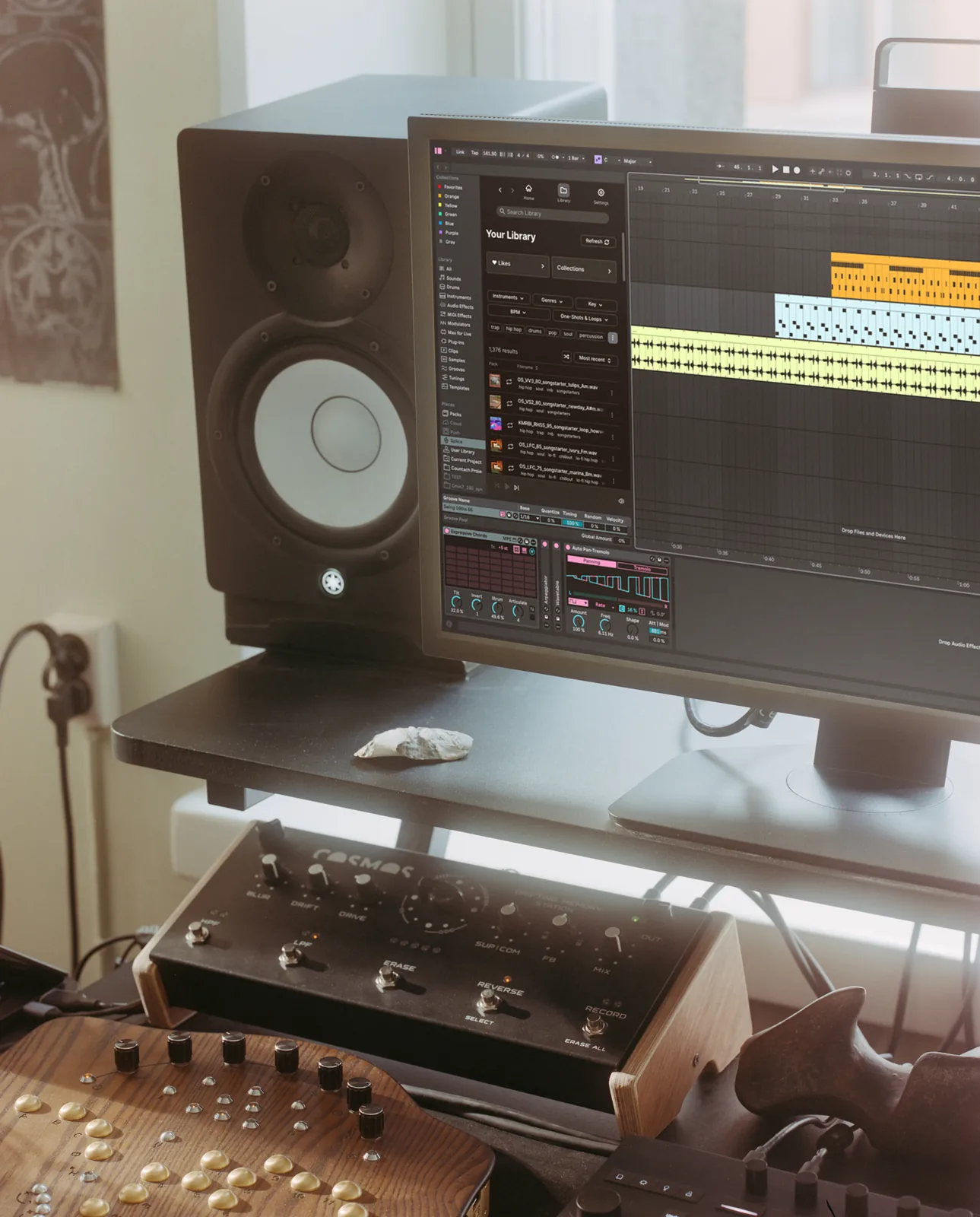
Finishing is a habit, not a setup. This room does not make the export happen. Screenshot courtesy of Ableton AG.
Step 6: Finish and Export Every Beat
Give every beat an intro, a main section, a variation, and an ending, then export it as an audio file. It does not need to be good, it needs to be finished.
Beginners who only make eight-bar loops never learn arrangement, mixing, or how to judge a whole track. Set a rule that a beat is not done until it is exported and you have listened to it start to finish on a phone.
- Minimum length
- 2 minutes
- Sections
- Intro, main, variation, outro
- Export
- WAV, 24-bit
- Final check
- Phone speaker, start to finish
The first ten beats you finish will teach you more than the first hundred loops you abandon. Keep the setup small, finish everything, and buy tools only when you can say exactly why.
Frequently Asked Questions
Can I make beats on a laptop with no extra gear?
Yes. A laptop, a free or cheap DAW, and a pair of headphones is enough to make finished beats. A MIDI keyboard and monitors make some tasks faster, but plenty of released music started on exactly that setup.
What is the best DAW for a beginner beat maker?
FL Studio and Ableton Live are the most common choices for beat makers, and GarageBand is a free starting point on a Mac. The honest answer is that the best one is the one you stop switching away from, because every major DAW can make professional beats.
How long does it take to get good at making beats?
Most producers need somewhere between fifty and a hundred finished beats before their work starts to sound intentional. The number of beats you finish matters far more than the number of hours you spend tweaking one.
Do I need to know music theory to make beats?
No, not to start. You can make strong drum patterns and sample-based beats with none. Learning a few scales and chord shapes later makes melodies faster to write, but it is not a gate you have to pass first.
Related Articles
Best Beat Making Software and Programs to Make Beats (2026)
The best beat making software and programs to make beats, from free beat maker apps to FL Studio, Ableton and Logic, plus what you actually need to start.
Best Free VST Plugins for Beat Makers (2026)
We tested the top free VST plugins for beat makers, covering synths, effects, and mixing tools that genuinely compete with paid plugins on sound and workflow.
Best One-Shot Drum Kits for Programming (2026)
The best one-shot drum kits for programming, compared on transient quality, tuning consistency, and how cleanly the kicks, snares, and hats layer.

Louis Raveton
Louis makes Downtempo, Electro-Dub, and beat-driven music under the names Flagada and Monsieur Shwill. He treats his sample drive like a record collection and has been obsessively hunting textures, breaks, and weird synth patches for over a decade. He also composes for Canal+ animation and LVMH installations, which means he has tested tools under real deadline pressure.