
Do This Now
- 1 Release time is the control that matters. Set it to recover just before the next kick.
- 2 Use a fast attack for mix ducking and a slow one when you want the pump audible.
- 3 Sidechain the bass to the kick before you reach for EQ. It solves more low-end clashes.
- 4 Duck reverb and delay returns from the dry signal to keep a mix clear.
- 5 If you can hear it working on every element, you have gone too far.
Sidechain compression has a reputation as a house music effect, the audible breathing pump under a four-on-the-floor kick. That is one use, and it is by some distance the least interesting one. Used properly, sidechaining is a mixing tool that solves the single most common problem in a beat: two sounds fighting over the same space at the same time.
The idea is straightforward. A compressor normally reduces a signal based on that signal's own level. In sidechain mode it listens to a different track instead, so the bass can duck whenever the kick plays without reacting to itself at all.
Step 1: Understand What the Controls Do
Attack and release matter far more here than ratio or threshold, and most people set them backwards.
Attack controls how quickly the ducking happens. A fast attack means the bass drops out of the way instantly, which is what you want when the goal is invisible. A slow attack lets the first few milliseconds of the bass through before ducking, which produces the audible pump.
Release controls how quickly the level returns, and it is the control that decides whether the result sounds musical or broken.
- Fast attack
- Invisible mix ducking
- Slow attack
- Audible pump effect
- Release
- Recover just before the next kick
- Ratio
- 4:1 is a sensible starting point
Step 2: Set the Release to the Tempo
This is the step that separates a clean sidechain from a mess.
At 128 BPM a quarter note is roughly 469 milliseconds, so a release somewhere around 300 to 400 milliseconds lets the bass return to full level just before the next kick lands. Set it too long and the bass never fully recovers, which thins the whole low end without you noticing why.
The friction is that release times do not transfer between tempos. A setting that works at 128 BPM will sound wrong at 174, so recalculate rather than reusing a preset.

Step 3: Duck the Bass Before You EQ It
Most producers reach for EQ when the kick and bass are fighting, and sidechaining usually works better.
An EQ cut removes those frequencies from the bass permanently, including during the gaps where nothing was competing. Sidechaining removes them only during the kick, so the bass keeps its full weight for the rest of the bar. On a trap beat with a sustained 808 this is the difference between a thin low end and a full one.
- Trap 808
- Fast attack, 60-100ms release
- House bass
- Medium attack, 300-400ms release
- Reduction
- 3-6dB is usually enough
- Check
- Solo the low end and listen for gaps
The annoyance is that a very fast attack on a sub can produce a click, because the gain change happens faster than the waveform cycle. Lengthen the attack slightly until it disappears.
Step 4: Use It on Effects Returns
This is the application almost nobody uses and it is the one that cleans up a mix fastest.
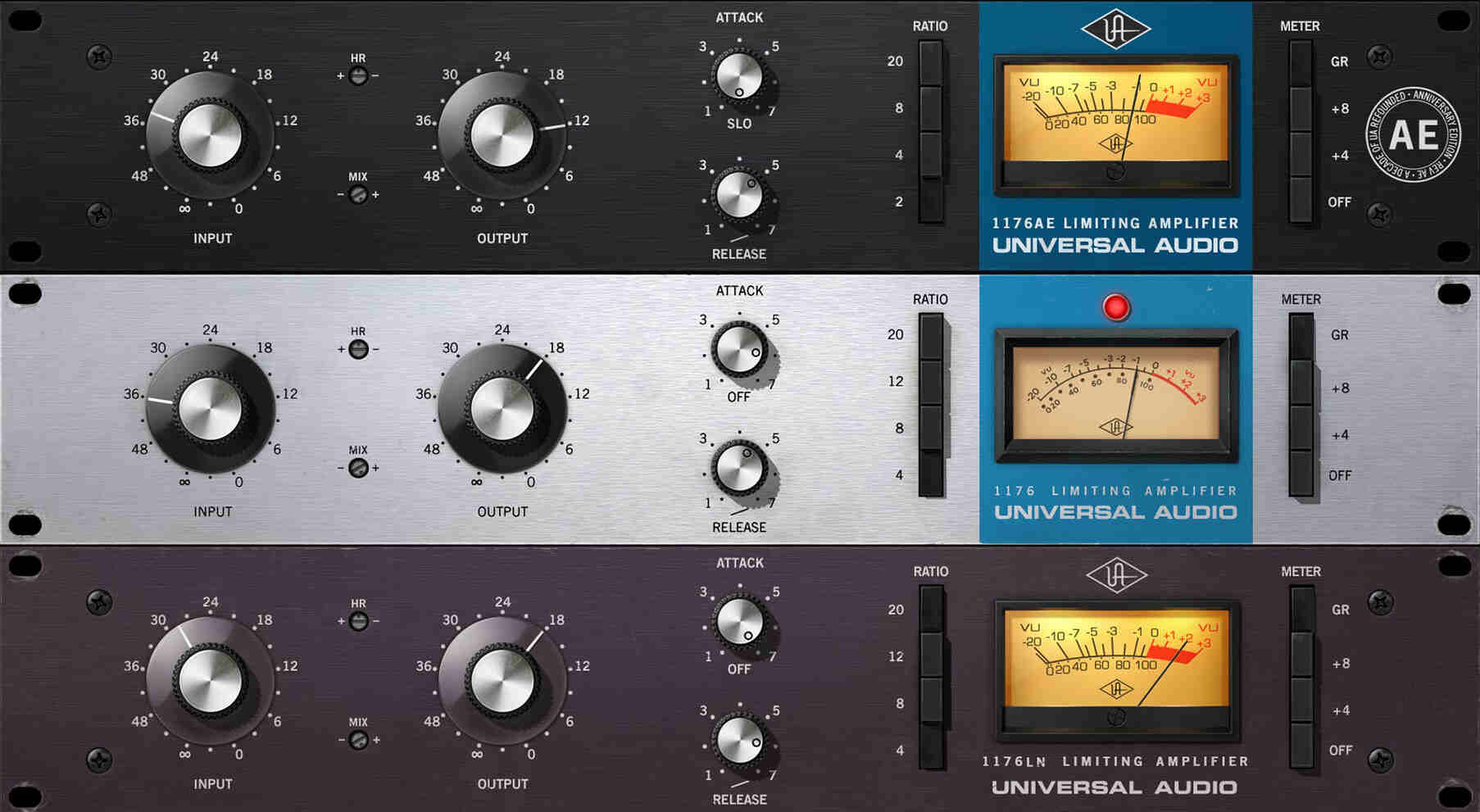
Put a compressor on your reverb return and sidechain it from the dry vocal or the dry melody. The reverb tail now ducks while the source is playing and swells in the gaps, which means you can use far more reverb without anything getting cloudy. The same works on delay returns.
The friction here is that the effect is subtle enough to be hard to judge. Bypass the sidechain and listen for how much clearer the mix is with it engaged rather than trying to hear the ducking itself.
Step 5: Know When Not to Use It
Sidechaining is not free, and applying it everywhere produces a mix where nothing has a stable level.
Reserve it for genuine conflicts: bass against kick, pads against vocals, reverb against source. If you find yourself sidechaining hi-hats and percussion, the arrangement is probably too crowded and the real fix is removing an element.
A quick test is to solo the kick and the ducked element together, then listen to the full mix. If the ducking is audible in the full mix on more than one or two elements, pull the reduction back.
Sidechain compression is most effective when nobody can tell you used it. The pump is a genre effect with a specific place, and the rest of the time you are simply making room for the kick so everything else can stay loud.
Frequently Asked Questions
What does sidechain compression actually do?
It makes one sound reduce the volume of another. A compressor on the bass listens to the kick instead of the bass, so every time the kick hits, the bass ducks out of the way and then recovers. The kick gets a clear window in the low end.
Why does my sidechain sound like it is pumping?
The release is too slow, so the level is still recovering when the next kick arrives. Shorten the release until the bass returns to full volume just before the next hit. A slow release is the pump, and it is only desirable when the pump is the effect you want.
Should I sidechain in house music and hip-hop the same way?
No. House uses sidechaining as an audible rhythmic effect with a slower release, because the breathing is part of the groove. Hip-hop usually wants it invisible, with a fast attack and short release so the 808 simply gets out of the kick's way.
Can I sidechain without a compressor?
Yes. Volume automation does the same job with total control and more effort, and many DAWs have dedicated ducking devices or LFO tools that shape the gain directly. Those are often easier to dial in than a compressor because you draw the shape rather than infer it.
Related Articles
Best Compressor Plugins for Beat Makers (2026)
We tested the top compressor plugins for punch, glue, and character, from FET and VCA to opto and bus compressors, on drums, vocals, and full mixes.

Best House & Deep House Sample Packs (2026)
We tested the top house and deep house sample packs for kick weight, chord stab character, and bassline movement in real club-ready sessions.

Kai Tanaka
Kai produces bass music, ambient, and experimental electronic tracks. He has released on independent labels across Europe and designs preset banks for synth developers. He approaches every plugin like a modular patch — always looking for new ways to reshape sound and build textures nobody has heard before.