
Do This Now
- 1 Fix the recording before you reach for a plugin. No chain rescues a bad take.
- 2 High-pass at 80Hz and cut the boxy 250Hz range before you boost anything.
- 3 Compress twice gently rather than once hard. Two stages of 3dB beats one of 6dB.
- 4 Carve a hole in the beat with a sidechained EQ instead of turning the vocal up.
- 5 Send to delay and reverb, never insert them, and high-pass both returns.
Most home-recorded vocals do not sit in the beat, they sit on top of it. The words are audible, the level is fine, and the whole thing still sounds like two separate recordings played at the same time. That is not a level problem and turning the vocal up will not fix it.
The reason is space. A beat that was mixed to sound full on its own has no room in the middle for a voice, so the vocal has nowhere to go. Most of the work in vocal mixing is making that room, and the rest is controlling dynamics so the quiet words survive.
Step 1: Fix the Source First
No plugin chain rescues a bad recording, and the two things that ruin most home vocals are distance and room.
Get the singer or rapper closer to the microphone than feels natural, roughly a hand span away, with a pop filter. Then deal with the room by recording into a wardrobe or against soft furnishings, because untreated room reflections are baked into the file and cannot be removed later.
The friction is that close micing makes plosives worse. A pop filter helps and does not eliminate them, so expect to draw a few volume dips on the letter P by hand.
Step 2: Subtractive EQ Before Anything Else
Cut before you boost, and do the cutting before compression so the compressor is not reacting to frequencies you are about to remove.
High-pass at around 80Hz to lose rumble and handling noise. Then sweep with a narrow boost through the 200Hz to 400Hz range, find the frequency where the voice sounds boxy, and cut it by two or three decibels. That single move clears more mud than anything else in the chain.
- High-pass
- 80Hz
- Boxiness cut
- 200-400Hz, 2-3dB
- Presence boost
- Only after compression
- Boost width
- Wide Q, narrow cuts
Step 3: Compress in Two Gentle Stages
One compressor working hard sounds like a compressor. Two working gently sound like a good recording.
Set the first at a fast attack and a moderate ratio, aiming for around three decibels of reduction on the loudest words. Then add a second, slower compressor after it doing another three decibels, which catches the longer-term level differences between verses without squashing individual syllables.
- Stage one
- Fast attack, 4:1, ~3dB reduction
- Stage two
- Slow attack, 2:1, ~3dB reduction
- Total reduction
- Around 6dB
- Listen for
- Breaths getting louder than words
The annoyance is that heavy compression raises the level of breaths and room noise along with the words. If breaths start competing, automate them down rather than gating, because a gate on a rap vocal chops the ends off words.

Step 4: De-Ess and Add Presence
Once the level is controlled, the harshness that was hiding underneath becomes obvious.
Use a de-esser or a dynamic EQ band around 5kHz to 8kHz, set so it only reduces when sibilance actually occurs. Then add a wide presence boost around 3kHz to bring the words forward, which works far better after compression than before it.
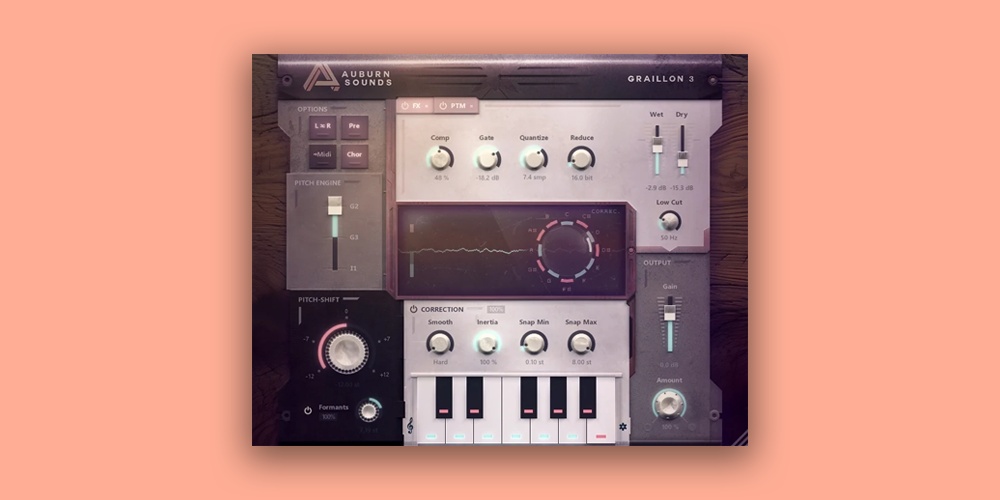
Pitch correction belongs here too if you are using it, sitting after the dynamics so it receives a consistent signal.
Step 5: Carve Space in the Beat
This is the step that fixes the floating problem, and it happens on the beat rather than the vocal.
Put an EQ on the beat bus with a sidechain input fed from the vocal, and set a wide cut of two or three decibels between 1kHz and 3kHz. The beat now steps back only while the vocal is speaking and returns in the gaps, which is what makes the voice sound like it belongs inside the track rather than above it.
The friction is that too much of this sounds like the beat is pumping. Two decibels is usually plenty, and if you need more than four the vocal recording is probably the real problem.
Step 6: Send to Delay and Reverb, Never Insert
Use sends so the effects can be filtered independently of the dry vocal.
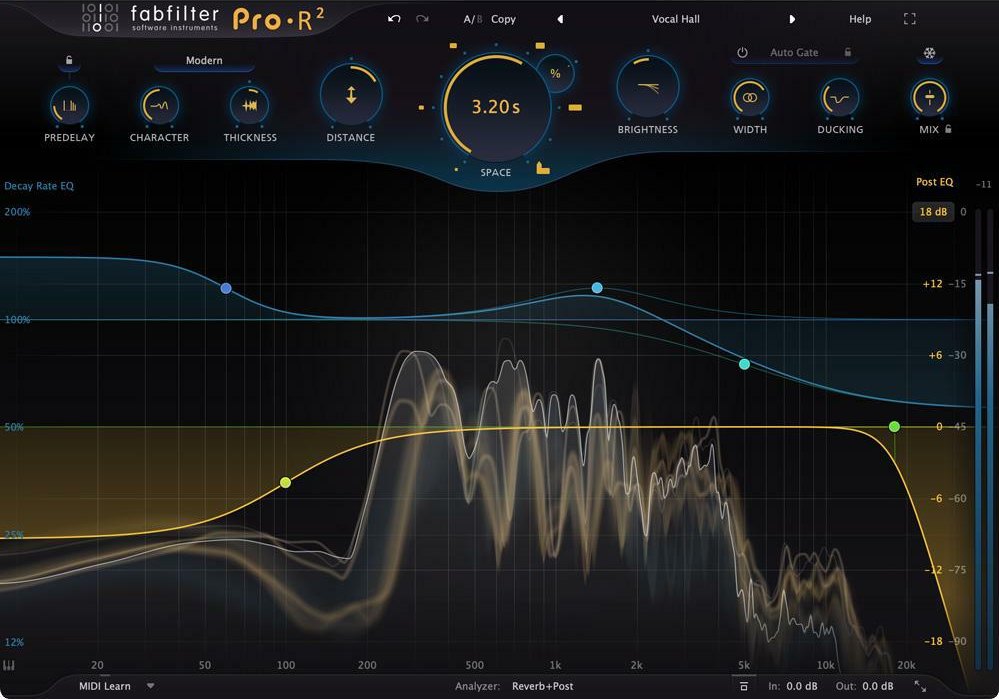
High-pass both returns around 300Hz so the repeats and tails carry no low end, and low-pass the reverb around 6kHz so it sits behind the words. A short quarter-note delay on ad-libs and a small room on the lead is usually more than enough for a beat, because dense reverb on rap delivery blurs consonants.
Vocal mixing gets easier once you accept that most of it is not done on the vocal. Space, dynamics, and restraint do the work, and the plugin chain is just how you apply them.
Frequently Asked Questions
Why does my vocal sound like it is sitting on top of the beat?
Usually because the beat has no space carved out for it. Turning the vocal up makes it louder without making it belong. Cutting the beat in the 1kHz to 3kHz range while the vocal plays does more than any amount of level.
How much compression should a rap vocal have?
Enough that the quietest words are audible against the beat and no more. Two gentle stages of around 3dB each sound more natural than one stage doing 6dB, because each stage works less hard and the artefacts stay below the threshold of hearing.
Should I use autotune on every vocal?
Only if the sound is part of the aesthetic. Light pitch correction on a sung hook is normal and usually inaudible. Heavy autotune is a stylistic choice rather than a fix, and using it to rescue an out-of-tune take rarely works because it corrects pitch and not phrasing.
Where should the vocal sit in the stereo field?
Dead centre and in mono. A lead vocal panned or widened loses power and causes problems on club systems that sum to mono. Ad-libs and doubles are where you create width, panned left and right around the centred lead.
Related Articles
Best Auto-Tune & Vocal Chain Plugins (2026)
We tested the top Auto-Tune, pitch correction, and vocal chain plugins for tuning speed, artifact character, and how fast they get a rap or R&B vocal mix-ready.
Best Reverb Plugins for Producers (2026)
We tested the top reverb plugins for tail character, CPU load, and how naturally they add space to drums, vocals, and melodies in a modern beat.

Best Vocal Sample Packs for Beat Makers (2026)
We tested the top vocal sample packs for pitch accuracy, noise floor, and how cleanly the acapellas and chops sit in a hip-hop, trap, or R&B beat.

Louis Raveton
Louis makes Downtempo, Electro-Dub, and beat-driven music under the names Flagada and Monsieur Shwill. He treats his sample drive like a record collection and has been obsessively hunting textures, breaks, and weird synth patches for over a decade. He also composes for Canal+ animation and LVMH installations, which means he has tested tools under real deadline pressure.