
Do This Now
- 1 Find a two or four bar section that loops before you cut anything.
- 2 Slice at transients, not on the grid. The grid lies about where the sound starts.
- 3 Re-sequence the slices out of order. Playing them back in sequence is not chopping.
- 4 Fade every slice edge by five milliseconds to kill the clicks.
- 5 Pitch the whole chop to one key before you build a bassline under it.
Chopping is the skill that separates producers who use sample packs from producers who make something out of them. Anyone can drag a loop onto a timeline. Taking four bars of a piano recording apart and rebuilding it into a phrase that was never played is a different craft, and it is the one that built most of hip-hop.
The mechanics are simple enough to learn in an afternoon. The problems are all in the details: clicks at the slice edges, chops that drift out of tune, and re-sequenced phrases that sound random rather than musical. Those are the things that give an amateur chop away.
Step 1: Find the Section Worth Chopping
Before you cut anything, listen to the whole sample and find a two or four bar section that would loop on its own.
You are looking for something with a clear harmonic shape and, ideally, a moment of space where nothing is playing. That space becomes your rhythmic room later. A section crowded with sustained chords gives you almost nothing to work with, because every slice bleeds into the next.
The most common mistake here is chopping the most impressive part. The dramatic four-note run sounds great in the source and becomes unusable the moment you re-sequence it, because dramatic material only works in its original order.
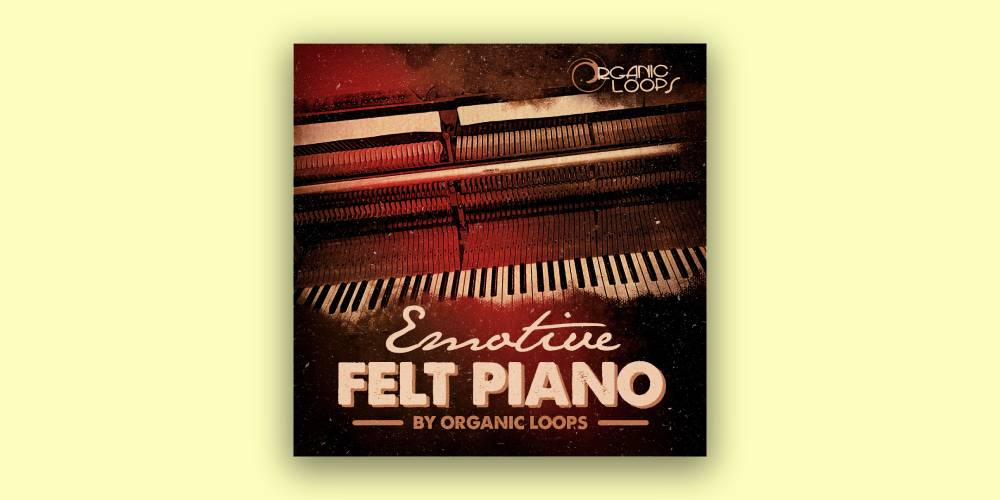
Step 2: Slice at Transients, Not on the Grid
Set your slice points where the sound actually starts, which is almost never exactly where the grid says.
A recorded instrument has attack time, so the audible start of a note sits a few milliseconds before its peak. Slicing on the grid cuts off that attack and leaves you with slices that sound soft and late. Most samplers have transient detection that finds these points automatically, and it is worth checking each one by ear afterwards.
- Slice at
- Transient onset
- Grid slicing
- Only for already-quantised material
- Typical offset
- 3-15ms before the peak
- Check
- Solo each slice and listen to the attack
The friction here is that transient detection struggles with legato playing. A piano part where notes overlap has no clean transients to find, so you end up placing slices by hand and accepting that some will carry the tail of the previous note.
Step 3: Re-Sequence, Do Not Replay
This is the step people skip, and skipping it is why a lot of chopped beats sound like the original with gaps in it.
Once your slices are mapped, play them in an order that is not the original order. Start with the fourth slice, jump to the first, repeat the second twice. You are writing a new phrase using the source as an alphabet, not performing the source with extra steps.
A useful constraint: forbid yourself from using slices one, two, three, four in sequence. It forces you to find the phrase rather than defaulting to the one already there.
Step 4: Fix the Clicks and Tuning
Every slice edge is a potential click, because cutting audio partway through a waveform cycle creates an instant jump in level.
Apply a short fade to the start and end of each slice, around five milliseconds, which is short enough to be inaudible and long enough to remove the click. Then check your tuning: pitch the entire sample to your chosen key before slicing rather than adjusting slices individually, so everything moves together.
- Slice fades
- 5ms in and out
- Tuning
- Pitch whole sample before slicing
- Key check
- Play a single bass note underneath
- Watch for
- Slices that drift sharp when stretched
The annoyance nobody warns you about is that time-stretching to fit a tempo will change your tuning on some algorithms and not others. Test one slice against a bass note before you commit to a stretch across the whole chop.
Step 5: Build Space Around the Chop
A finished chop is not a finished beat, and the temptation is to fill every bar with it.
Leave gaps. Let two slices play and then nothing for half a bar, so the drums carry the space. The chop reads as a deliberate musical idea when it stops and starts rather than running continuously underneath everything else.
Where your source material comes from matters as much as the technique, and a subscription library gives you far more to dig through than a single pack.
Chopping rewards patience more than skill. The producers who are good at it are the ones who audition twenty sections before cutting one, and who are willing to throw away a chop that technically works but does not say anything.
Frequently Asked Questions
What is the difference between chopping and looping a sample?
Looping repeats a section as it was recorded. Chopping cuts that section into pieces and plays them back in a new order, which creates a melody or rhythm that did not exist in the source. Looping borrows an idea, chopping makes one.
How do I stop my chops from clicking?
A click happens when a slice starts or ends partway through a waveform cycle. Add a fade of around five milliseconds to the start and end of every slice, or move the slice point to the nearest zero crossing. Almost every DAW can do both automatically.
Should I chop in my DAW or a dedicated sampler?
A sampler is faster once you learn it, because slices land on keys and you re-sequence by playing rather than by dragging audio. Most DAWs now include one. Chopping on the timeline works fine and is slower to experiment with.
How do I keep chopped samples in key?
Decide the key first, then pitch the whole sample to it before slicing, so every slice moves together. Pitching individual slices afterwards is how chops end up sounding out of tune with each other and with your bassline.
Related Articles
Best Hip-Hop Melody Loops & Loop Kits (2026)
We tested the top hip-hop melody loop packs for key accuracy, chord character, and how many loops actually make you want to start a beat.
Best Piano Loop Packs for Beat Makers (2026)
We tested the top piano loop packs and instruments for tone, key accuracy, and how much tape warmth and room the recordings actually keep for lo-fi and hip-hop.
Best Splice Alternatives for Sample Downloads (2026)
We compared the top Splice alternatives for sample libraries, pricing models, and value, covering subscription platforms and one-time sample sources.

Jada Osei
Jada makes lo-fi beats, boom bap, and chill hop. She samples vinyl, builds beats on an SP-404 and in Ableton, and runs a YouTube beat-making channel with over 50K subscribers. She values vibe over perfection and believes the best sample packs sound like they were found, not manufactured.